Digital Session Boards — Your Live Event Agenda on Every Screen
Display your agenda and showcase speakers and sponsors on dynamic, real-time session boards — and keep every attendee engaged.
No Obligation Discovery Call

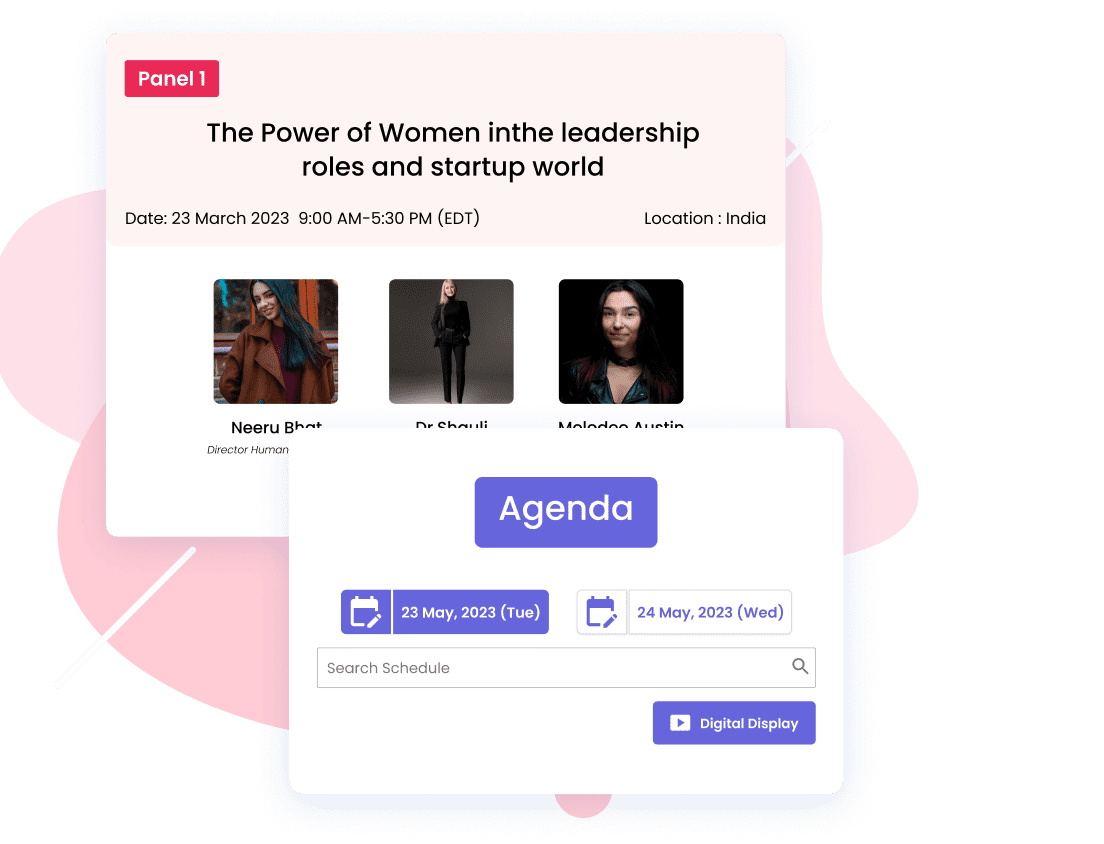
A lively, always-current display
Keep your audience engaged with a live digital board and seamless navigation across schedules, sponsors, and speaker information.
Attendees find what interests them most, instantly.
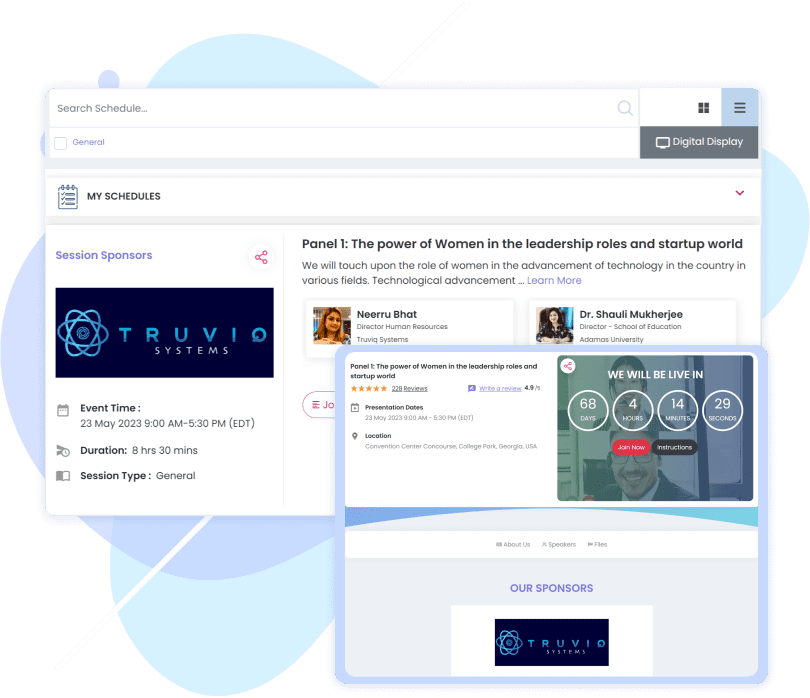
Manage your entire agenda
Build your event agenda without the stress.
Add and edit sessions in seconds, so your agenda is always up to date.
Track every session at a glance.

Highlight Your Sponsors
Set Individual pricing for sessions
Put sponsors front and center on your interactive boards — and boost their ROI.
Session Sponsors
Showcase sponsor brands, services, and products to attendees — and give sponsors a reason to invest again.
Digital Session Board FAQs
What organizers ask before putting their agenda on screens.
What is a digital session board?
A live screen that shows your event agenda along with speaker and sponsor information, in place of a printed schedule taped to a wall. Because it is driven by your agenda rather than a PDF, it reflects the event as it actually is.
If I change a session, does the board update?
Yes. Sessions are added and edited in seconds and the agenda stays up to date, so a room change or a swapped speaker does not mean reprinting anything. The agenda itself is built in session management.
Can attendees navigate the board themselves?
Yes. The board offers seamless navigation across schedules, sponsors and speaker information, so an attendee can find what interests them instantly rather than scanning a whole programme.
Can I put sponsors on the board?
Yes — that is one of the main reasons to run one. Sponsor brands, services and products are showcased alongside the schedule, which puts them in front of every attendee who checks the time. Who appears, and where, is set up in exhibitor & sponsor management.
Does it show speaker information too?
Yes. Speaker details sit alongside the schedule and sponsors in the same navigation, so someone deciding which session to attend can see who is presenting without leaving the board.
Do attendees have to use the on-site screens?
No. The board is one surface for the same agenda — attendees can also carry it with them through the mobile event app.
Can the same agenda appear on my event website?
Yes. The agenda is one source of truth, so the schedule on your screens and the schedule on your event website do not have to be maintained separately.
How do I know which sessions are drawing people?
Every session can be tracked at a glance while the event runs, and the resulting attendance and engagement data is available for reporting in event analytics.
Can I do more than display the schedule?
The board keeps the room informed; keeping it involved is a separate job. For in-session interaction, see live event polls.
Is there a free trial?
You can start a 30-day free trial with no credit card required, and there is also a free plan. Plan limits and ticket fees are listed on the pricing page.
Ready to Showcase Your Event with Digital Session Boards?
Display agendas, showcase speakers and sponsors, and give attendees seamless navigation. Keep the room engaged with live highlights, schedules, and interactive boards that make your event memorable.